Help
Invite guests easily
Add guests manually, import them from Excel or invite them by e-mail and via social media channels.
Guest list
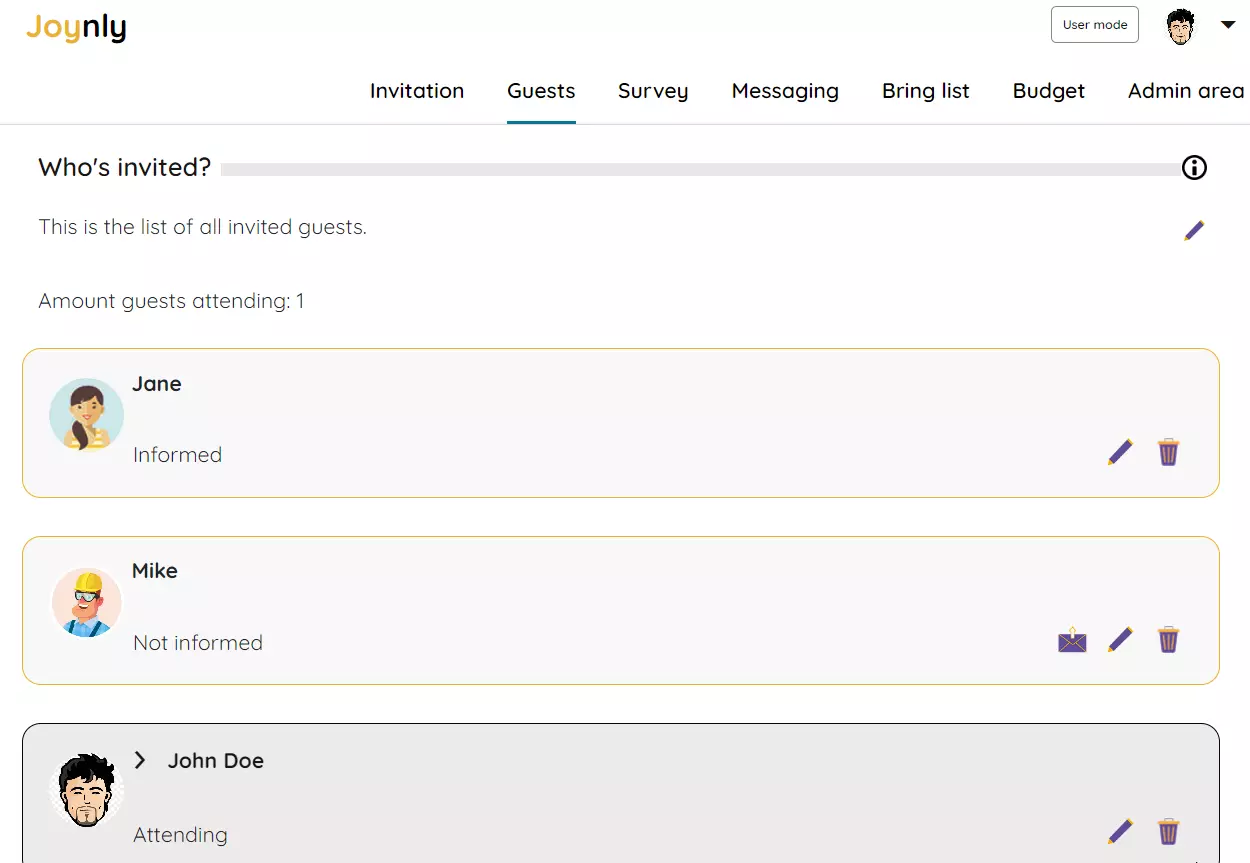
With Joynly you manage invitations, replies and contact details in one list that your guests can help complete.

Add guests manually, import them from Excel or invite them by e-mail and via social media channels.
Guests confirm or decline directly on the invitation page. Their status is saved in the guest list automatically.
If you are missing contact details, let guests add further people – ideal for class reunions where many addresses are unknown.
The guest list shows at a glance who has accepted, declined or not yet replied. Missing contacts can be searched for together, and you can chat with your guests directly in Joynly.