 Help
Help
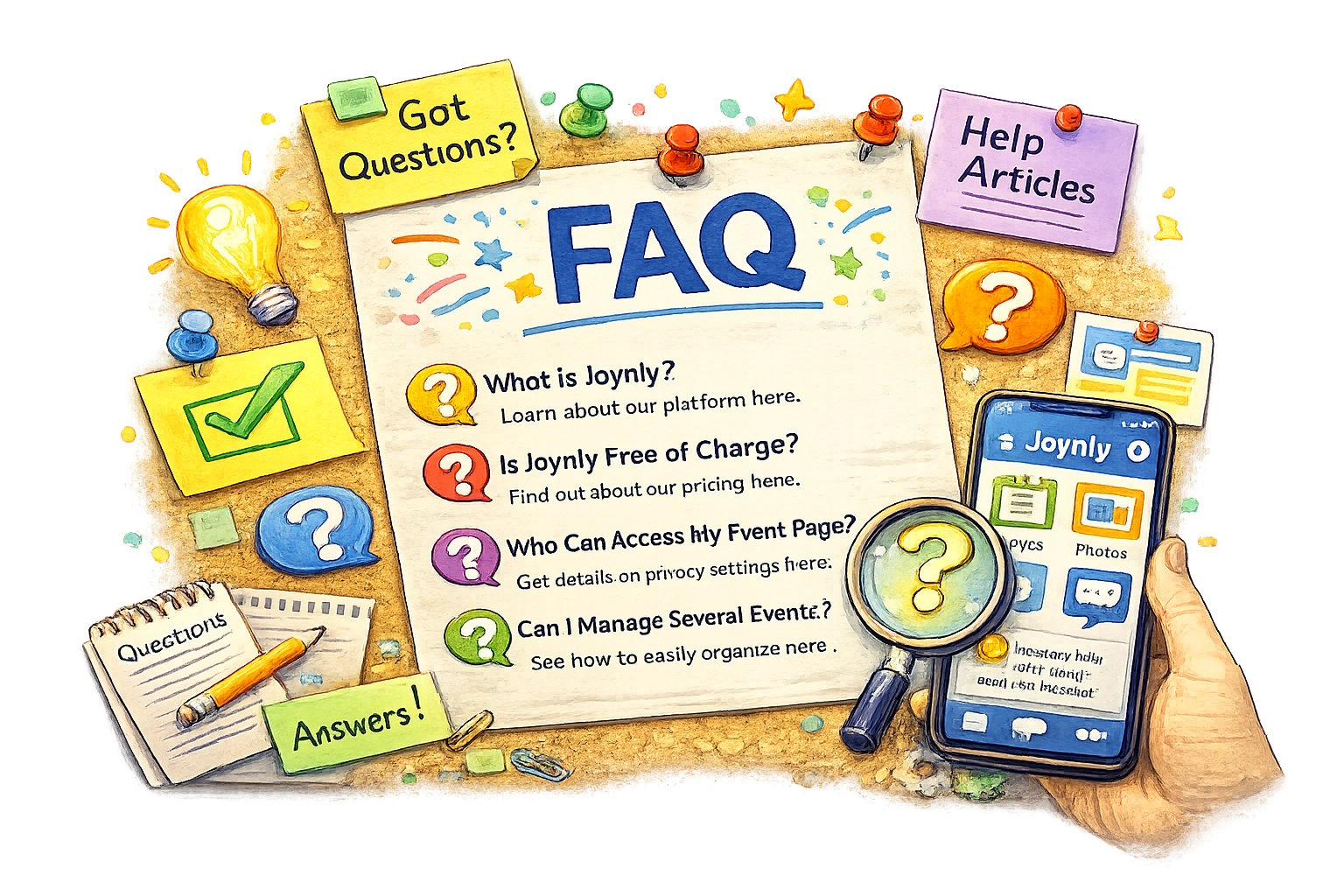
- What is Joynly?With the user-friendly app Joynly you can easily plan and organize your class reunion, family reunion or any kind of event. It doesn't matter whether you want to manage the list of participants, search for the location or send the invitations - everything is possible with just a few clicks. Manage your budget and schedule with our built-in planner and share photos and memories with your guests. Experience an unforgettable reunion with your old friends or relatives!
- Is Joynly really free of charge?Yes. The free plan lets you organize an event with up to 20 guests. For larger events or paid features, you can upgrade your event plan.
- Who can access my event page?Your invitation page can only be viewed by guest who where invited.
- Can I maintain several events with Joynly?Yes, you can maintain several events with your Joynly account.
- Is there a smart app available that can be downloaded though the various app stores?Yes! Joynly is available as a free app on the Apple App Store (iOS) and on Google Play (Android). Simply search for "Joynly" or use the download links on our website.
- Can you organize the event together with other people?Yes, Joynly offers the possibility to form an organizational team. Under the Admin menu item, other event participants can be added to the organization team. They then have additional rights.
- How do I invite guests to my event?Open your guest list, add the email addresses, and Joynly will send branded invitations automatically. You can also copy the invitation link and share it via chat or social media if you prefer.
- Can I import an existing guest list?Yes. Upload an Excel sheet or paste addresses into the import dialog of the guest list and Joynly will create every entry for you.
- How do I track expenses and payments?Use the budget tracker to add expense items, record payments, and immediately see how much money is still outstanding.
- Is my data secure with Joynly?All information is stored on secure European servers, transferred via HTTPS, and never shared with advertisers. Only invited guests can access your event space.
All items are fetched.


