 Help
Help
The guest list
Turn an empty list into a collaborative roster by inviting, importing, and tracking RSVPs in one place.
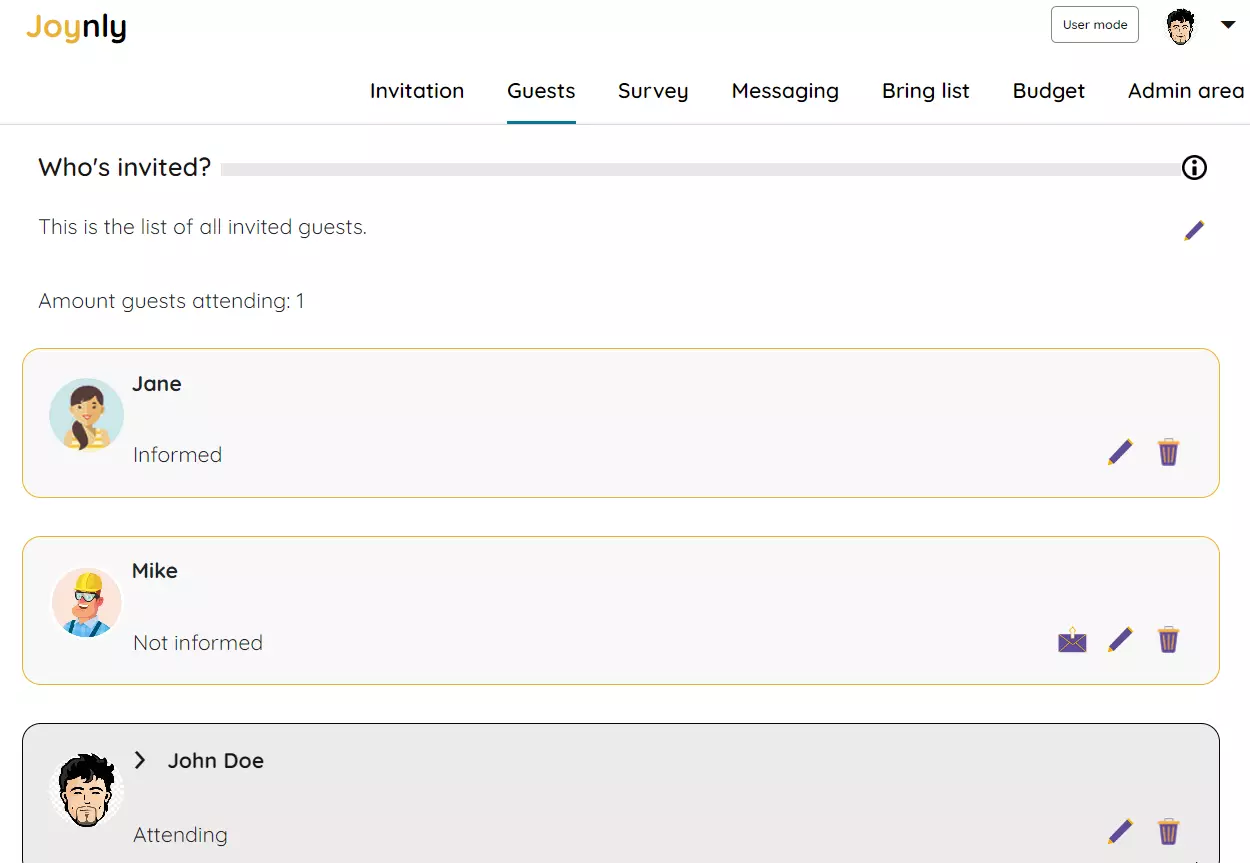
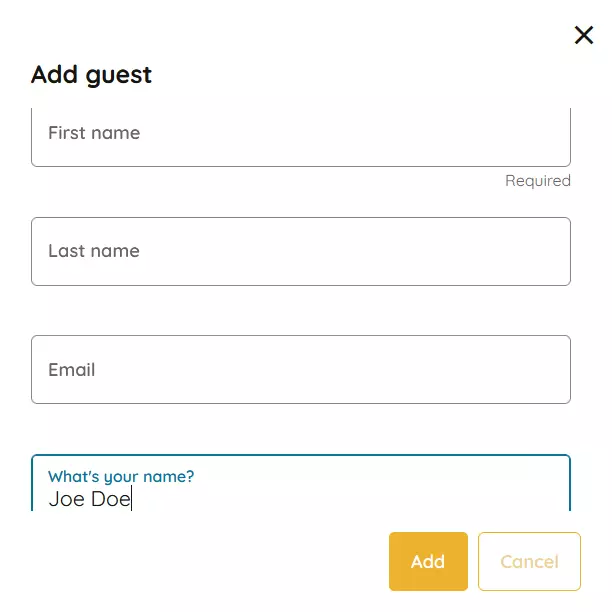
What would a celebration be without your best friends, your family, or your former classmates? But have you ever tried to organize a larger event using one of the usual messenger apps? You quickly lose track of everything. With the guest list of your Joynly event, you can easily manage the participants of your next celebration. Add the first guests to the invitation list. If you add a guest with an email address, they will be invited by email. Alternatively, you can send the invitation via social media channels.
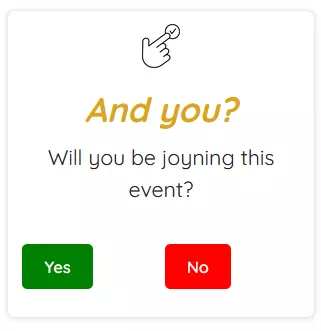
Using the invitation link, invited guests can access your invitation page. No separate account is required. Guests can confirm their participation either on the invitation page or in the guest list. Their attendance status is saved in the guest list.
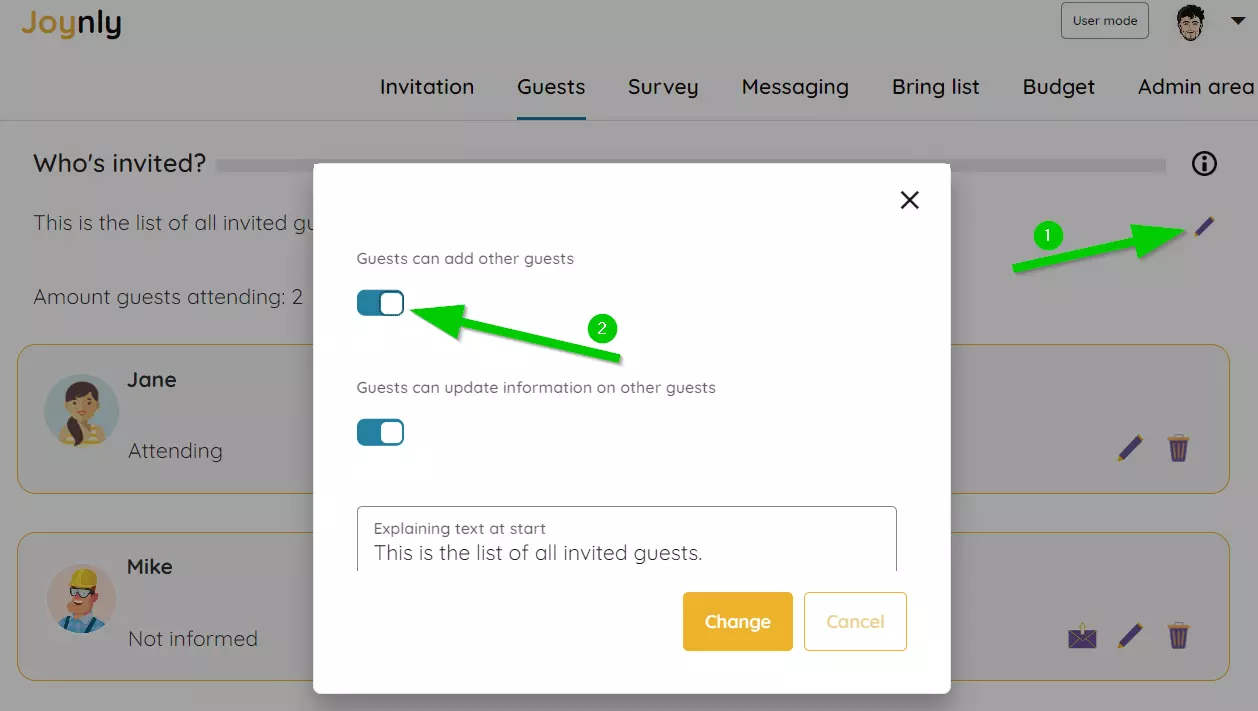
You have the choice: do you want full control over the guest list, or do you need help because you don’t have all contact details? Joynly offers a unique way to organize your guest list through the power of the crowd. Simply use the open guest list mode. This is how the open guest list works: open the guest list settings and activate the checkbox 'Guests can add other guests'.
With the guest list, you always have an overview of all participants. You can see at a glance who has already confirmed their attendance and who has declined. You can also send reminders to guests who have not yet responded. This way, you ensure that no one is forgotten and that your event becomes an unforgettable experience for everyone involved.


