 Help
Help
Customize the feature set
Joynly is more than just an invitation page. Joynly is a complete planning tool for your event. Through the menu, you can access the guest list, the chat, and the administration area.

There, you can further customize the event to your needs by activating additional features.
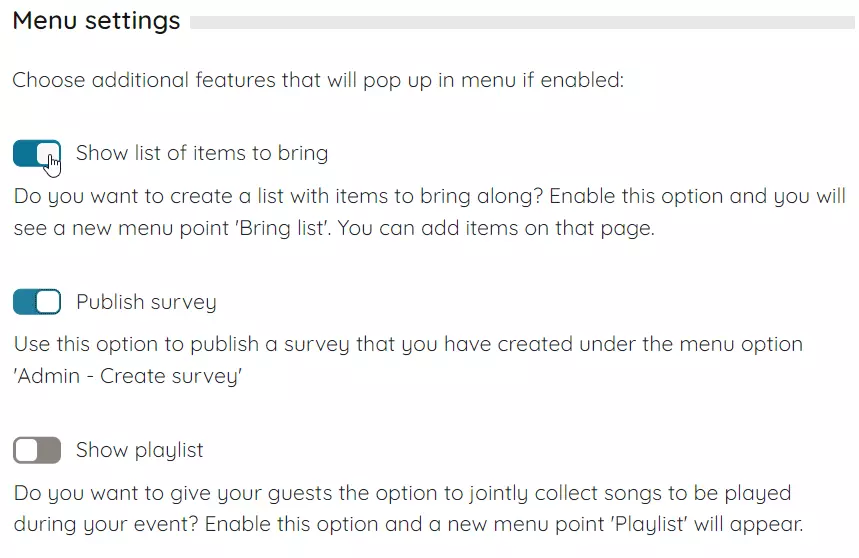
As soon as you activate one of these features, the corresponding menu item appears on the page. And the best part is: you can see for yourself what the event looks like for your guests by switching to the application view. In this mode, you see your page exactly as all other guests do. All administration options are disabled.

Now you have all the tools you need to successfully manage your event. In the next lessons, you will learn more about the individual features.


