Help
Help
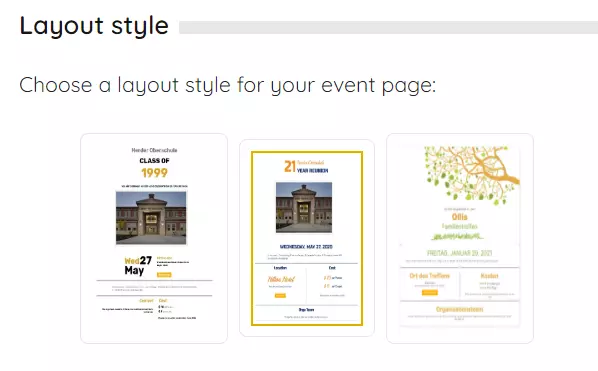
Design the layout of your event page
The invitation page serves as the central hub for your event. You can easily update the most crucial details by simply clicking on one of the edit icons.

To begin, consider giving your event a captivating name, and don't forget that you have the option to upload a personal image. Whether it's an old class photo, a beautiful family picture, or a cherished memory from your youth, this is how you can fashion your very own personalized invitation that makes a lasting impression at first glance.
- Set the time and location of the meeting.
- Write a friendly invitation text.
- Use the administration area to change the layout of the invitation page.
With these simple steps, you have everything prepared to present your event properly. In the next lessons, we will show you how to invite guests, write messages, and much more.